FEATURE
Your Brands
Add the brands you sell or represent so reports and archive matching can use them.
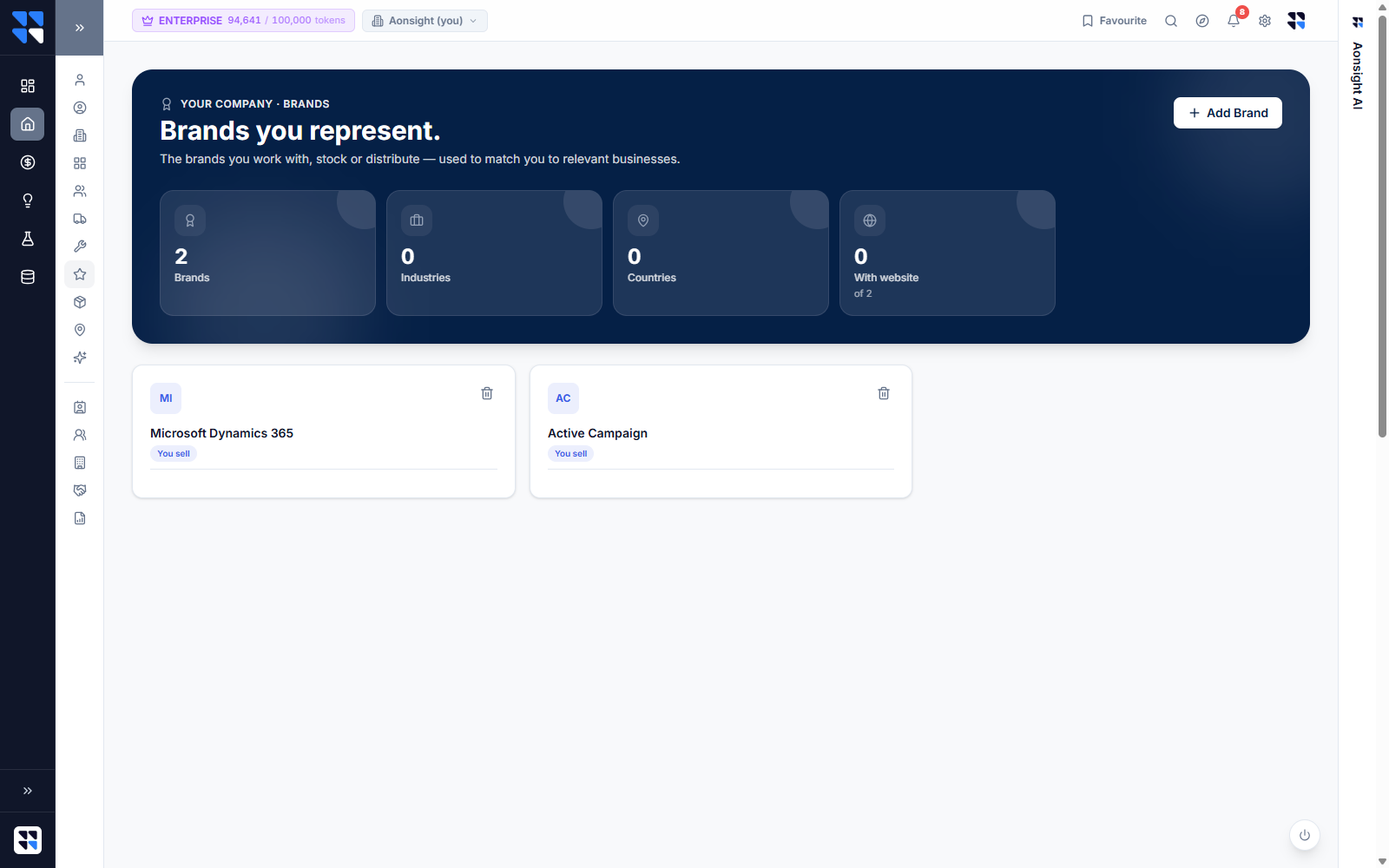
- Search brands by name or industry
- You sell and You use tags
- Remove a brand at any time
- Counts by industry and country
Each part opens its own trail
Brand list
Shows each brand as a card, tagged You sell or You use where that is known.
Add Brand
Opens a search of brands by name or industry, with an Add button beside each result.
Create a brand
When search finds nothing, record the brand with its industry, country and website.
Brand counts
Counts your brands, their industries and countries, and how many have a website.
From a question to a finished result in three steps
Step 1
Search for a brand
Select Add Brand and type a brand name or an industry.
Step 2
Pick from the results
Aonsight lists matching brands with industry, country and website where it has them.
Step 3
Add it to your list
Add the brand, and reports and archive matching use it with your services and product types.
IN THE APP
Your Brands
- Add each brand you represent.
- The archive Brands browser is the market-wide list. This page is yours.
- Benchmarks can compare brand overlap once these are set.
One question, from first search to final list
Reports and archive matching use these brands, and benchmarks can compare brand overlap once they are set.
Use Your Brands in your own market
Open it as a reseller, distributor or partner, and leave with the brands you represent recorded for reports and matching.
Your Brands are the brands associated with your company. Reports and archive matching use them alongside services and product types.
What you can do with Your Brands
- Add each brand you represent.
- The archive Brands browser is the market-wide list. This page is yours.
- Benchmarks can compare brand overlap once these are set.
Where to find it
In app.aonsight, open Your Company → Profile.
This sits with Company Profile.
Where to go next
- Brands: Brands across the archive.
- Competitor Benchmark: Benchmarks use the brand graph.
Questions
What is Your Brands in Aonsight?
Your Brands are the brands associated with your company.
Where do I open Your Brands?
In app.aonsight, open Your Company → Profile.
Related
Pages and posts that share a category or tag.