FEATURE
Market Research
Open combined reports, competitor benchmarks, personas, the report builder and market sizing from one hub.
- Research modules on one screen
- Saved report count per module
- Profile inputs shown as live counts
- Shortcut to build a new report
Each part opens its own trail
Report Builder
Pick criteria, preview live matches and generate a report with its own shareable URL.
Market Sizing
Size TAM, SAM and SOM from up to three parameters and save each sizing as a report.
Competitor Benchmark
Score a business against its competitors, with ranked charts, overlap and a branded PDF.
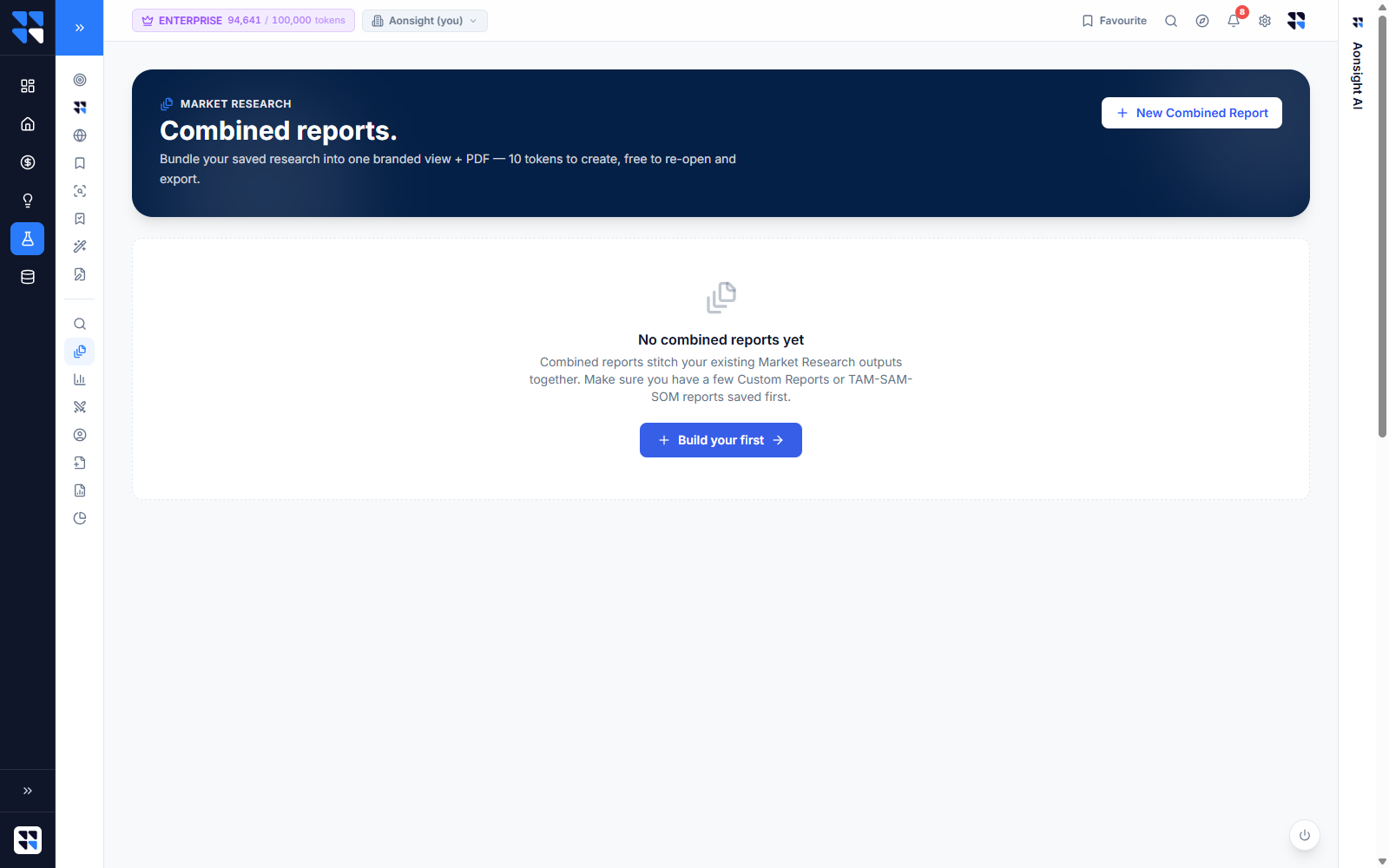
Combined Reports
Stitch saved reports, personas and competitors into one branded view and PDF.
From a question to a finished result in three steps
Step 1
Pick a research module
Open Report Builder, Market Sizing or Competitor Benchmark and set the criteria or competitors to study.
Step 2
Get a saved report
Aonsight runs your choices against the business archive and saves the finished report under its module.
Step 3
Bundle and share
Combine saved reports into one branded pack, export the PDF, or share a custom report by its URL.
IN THE APP
Market Research
- Start with Combined Reports or Competitor Benchmark once your profile has services and locations.
- Each card opens a separate tool. Finished reports stay in Custom Reports.
- The numbers come from live archive data, not a static slide.
One question, from first search to final list
Your profile's locations, services, brands and product types feed every module, and finished reports flow into Combined Reports.
Use Market Research in your own market
Anyone planning market research starts here and leaves with the right report tool open and a clear view of what is already saved.
Market Research is the hub for reports built from the same archive as prospecting. From here you open combined reports, competitor benchmarks, tracked competitors, personas, the report builder and market sizing.
What you can do with Market Research
- Start with Combined Reports or Competitor Benchmark once your profile has services and locations.
- Each card opens a separate tool. Finished reports stay in Custom Reports.
- The numbers come from live archive data, not a static slide.
Where to find it
In app.aonsight, open Research.
This sits with Research.
Where to go next
- Market Sizing: TAM, SAM and SOM.
- Competitor Benchmark: One business against another.
- Combined Reports: Bundle the reports.
Questions
What is Market Research in Aonsight?
Market Research is the hub for reports built from the same archive as prospecting.
Where do I open Market Research?
In app.aonsight, open Research.
Related
Pages and posts that share a category or tag.