FEATURE
Suggested Edits
Follow profile changes you have proposed. The Aonsight team reviews each one before it is applied.
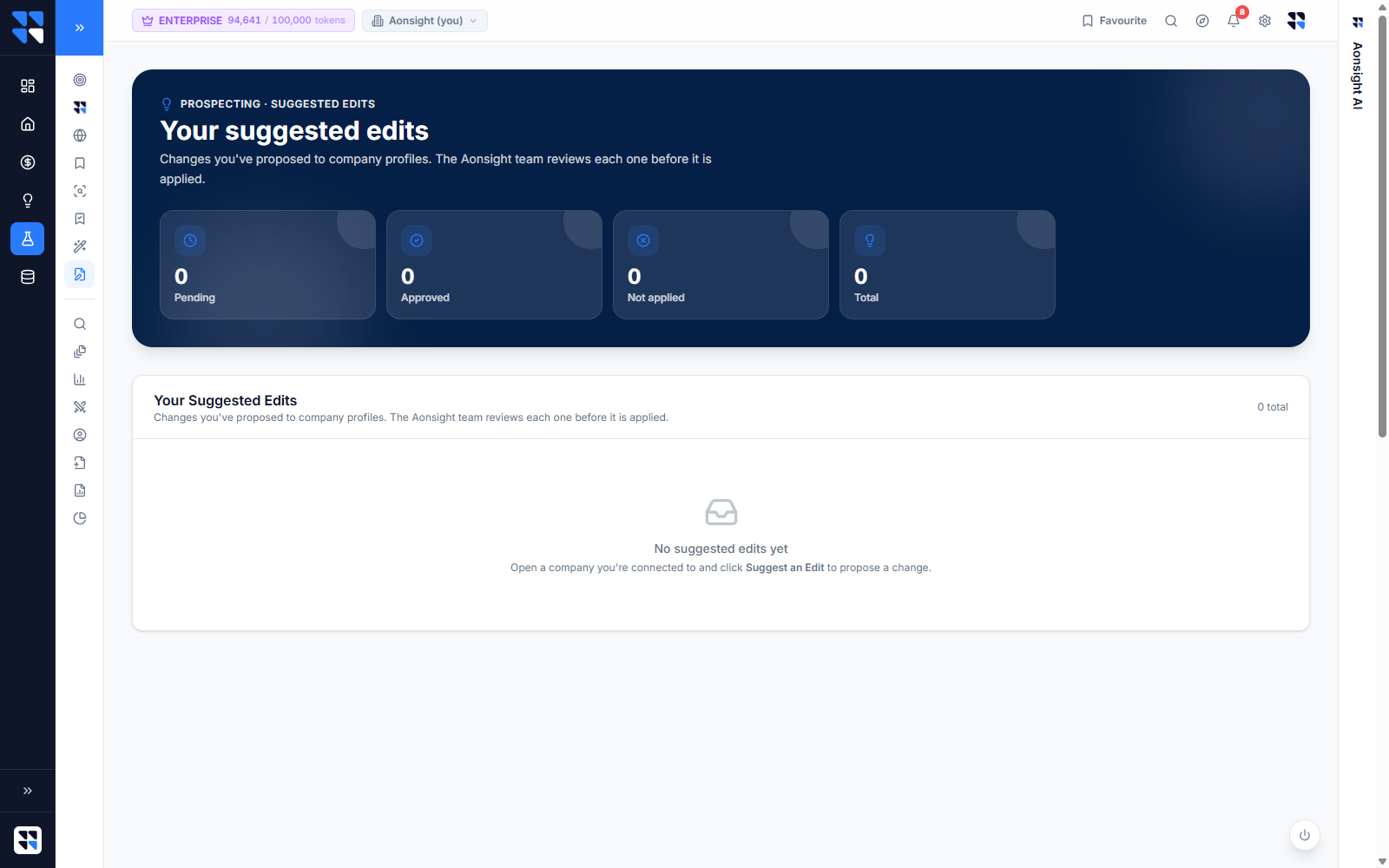
- Pending, approved or not applied
- Fields changed on each edit
- Team notes on each suggestion
- Withdraw a pending suggestion
Each part opens its own trail
Review counts
Shows how many of your edits are pending, approved or not applied, plus the total.
Proposed changes
Lists the profile fields you asked to change for each business, with the note you added.
Team notes
Shows any note the Aonsight team has left against a suggestion.
Withdraw or remove
Withdraw a suggestion that is still pending, or remove a reviewed one from your history.
From a question to a finished result in three steps
Step 1
Suggest an edit
Open a company you are connected to, choose Suggest an Edit and propose the change.
Step 2
Follow the review
Aonsight lists the suggestion on this page as pending review, then as approved or not applied.
Step 3
Check the profile
Open the business from the list to view its profile, or withdraw a suggestion you want to rethink.
IN THE APP
Suggested Edits
- Edits are proposals. They are not applied until they are reviewed.
- Your own submissions stay visible on this page.
- Use it after you are connected to a company workspace.
One question, from first search to final list
Suggestions start on the profile of a company you are connected to, and the Aonsight team reviews each one before it is applied.
Use Suggested Edits in your own market
Open Suggested Edits when you have proposed a correction to a company profile and leave knowing whether the team has applied it.
Suggested Edits is for people connected to a company. Propose a change to a business profile, then track whether the Aonsight team has accepted it.
What you can do with Suggested Edits
- Edits are proposals. They are not applied until they are reviewed.
- Your own submissions stay visible on this page.
- Use it after you are connected to a company workspace.
Where to find it
In app.aonsight, open Research → Prospecting.
This sits with Prospecting.
Where to go next
- Company Profile: The profile those edits update.
Questions
What is Suggested Edits in Aonsight?
Suggested Edits is for people connected to a company.
Where do I open Suggested Edits?
In app.aonsight, open Research → Prospecting.
Related
Pages and posts that share a category or tag.