FEATURE
Combined Reports
Bundle saved research into one branded view and PDF. Creating a pack spends tokens. Re-opening and export do not.
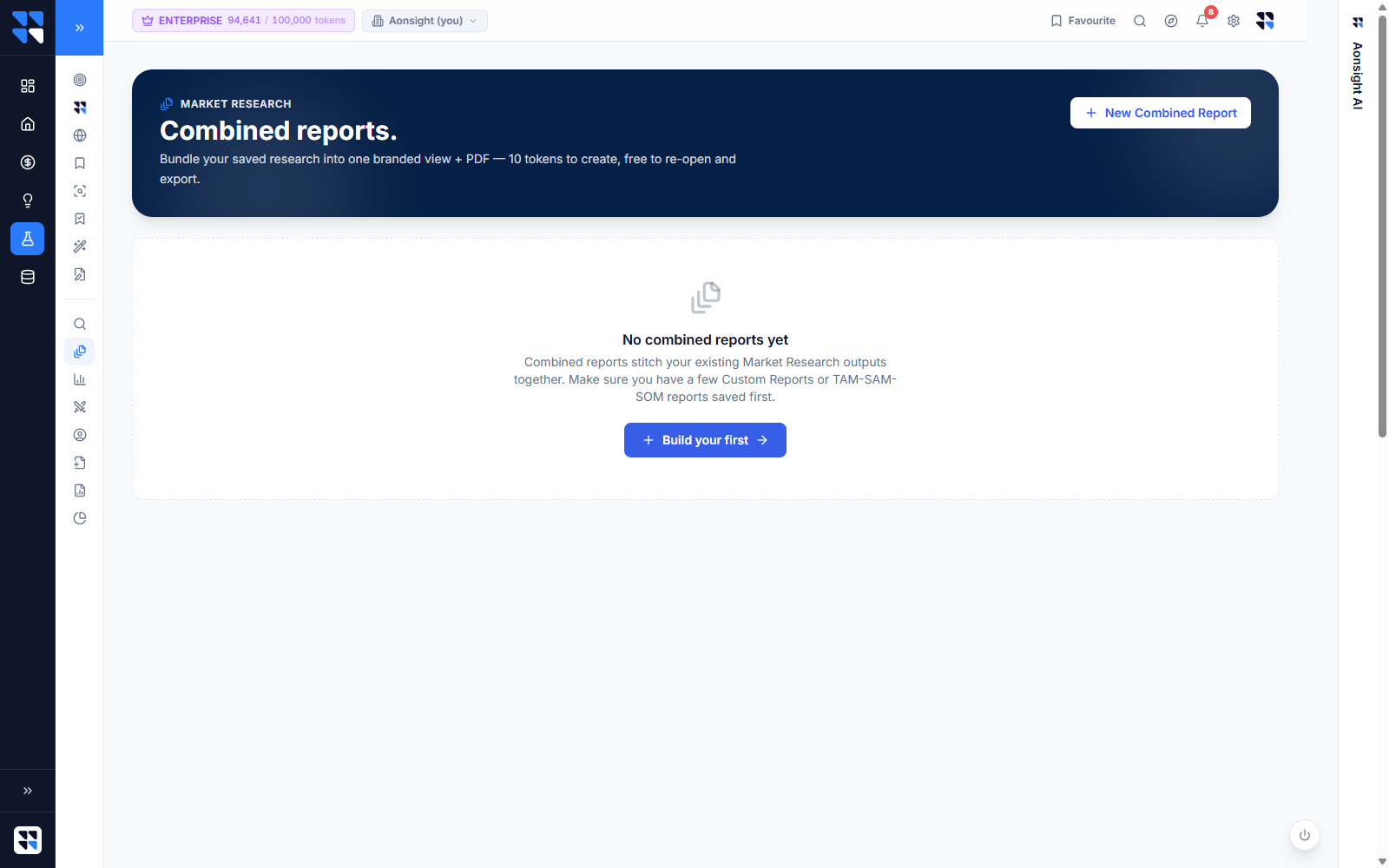
- Bundle saved reports into one pack
- Branded cover from company profile
- Export the pack as a PDF
- Re-open saved packs any time
Each part opens its own trail
Report picker
Tick the custom reports, market sizings and benchmarks you have saved to include them as sections.
Personas and competitors
Add buyer personas and tracked competitors so the pack covers who you sell to and who you face.
Intent section
Add in-market signals and a preview of live candidates over a look-back window you choose.
Cover and PDF export
Each pack opens with your company name, logo and a contents list, and exports as a PDF.
From a question to a finished result in three steps
Step 1
Name it and pick sections
Give the report a name and an optional cover description, then tick the saved research to include.
Step 2
Get one branded report
Aonsight builds a single view with a cover, a contents list and one section per type of research.
Step 3
Export or re-open it
Download the PDF to share, and return to the saved pack whenever you need it again.
IN THE APP
Combined Reports
- The pack uses the company profile as its cover, including header and footer details.
- Creating a combined report spends 10 tokens. Re-opening and PDF export are free.
- Use it when you need one document instead of separate sizing, share and competitor views.
One question, from first search to final list
It draws on saved custom reports, market sizings, benchmarks, personas and competitors, and outputs one view and PDF.
Use Combined Reports in your own market
Use it when a stakeholder needs one document, and leave with a branded pack and PDF built from research you have already saved.
Combined Reports pulls services, brands, locations, customers and competitors into one pack. Generate it from this page or from the dashboard, then open the finished report to read or export.
What you can do with Combined Reports
- The pack uses the company profile as its cover, including header and footer details.
- Creating a combined report spends 10 tokens. Re-opening and PDF export are free.
- Use it when you need one document instead of separate sizing, share and competitor views.
Where to find it
In app.aonsight, open Research → Market Research.
This sits with Market Research.
Where to go next
- Report Builder: Build a report.
- Custom Reports: Open reports you have already run.
Questions
What is Combined Reports in Aonsight?
Combined Reports pulls services, brands, locations, customers and competitors into one pack.
Where do I open Combined Reports?
In app.aonsight, open Research → Market Research.
Related
Pages and posts that share a category or tag.