FEATURE
Leads
Work qualified leads on a board, from early commitment through to closed.
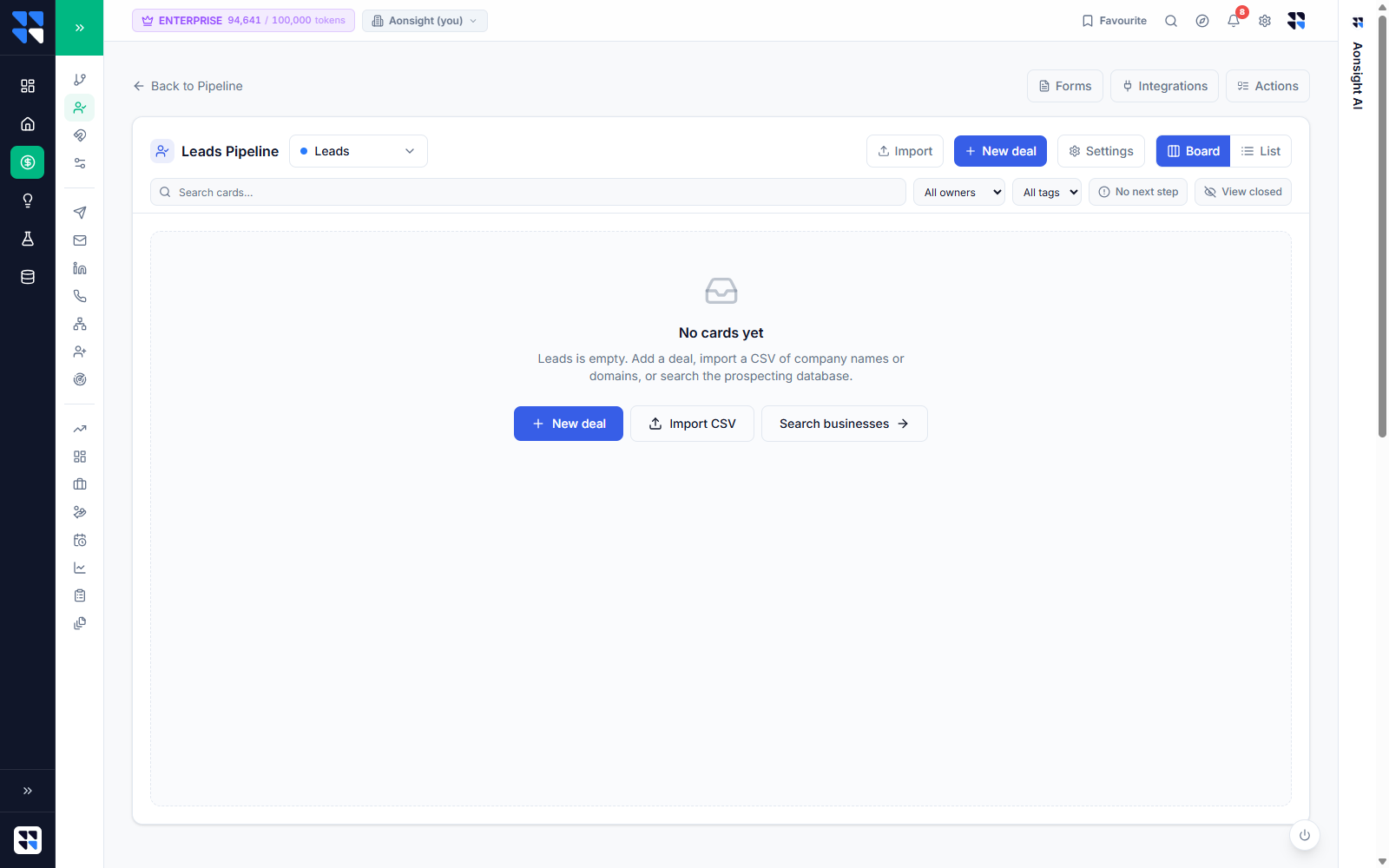
- Board and list views
- Filter by owner and tag
- Loss reason on every lost deal
- Import and export cards as CSV
Each part opens its own trail
Stage columns
Drag a card from Discovery through Proposal, Negotiation and Contract to Closed Won or Closed Lost.
Card filters
Search cards and narrow the board by owner, by tag or to deals with no next step.
Loss reasons
When a deal moves to Closed Lost, pick a reason so it shows in reports with the stage it left.
Pipeline settings
Rename, reorder or add stages, set a win probability for each one and define a checklist for every lead.
From a question to a finished result in three steps
Step 1
Add a qualified deal
Create a new deal by searching for the business by name or domain, or add a free-form card.
Step 2
Read the board
Aonsight lays out each lead by stage with its estimated value, probability and next follow-up.
Step 3
Close or record the loss
Drag the card to Closed Won, or to Closed Lost with a reason, so reporting reflects the outcome.
IN THE APP
Leads
- Use Leads after a prospect is qualified, not as the first list.
- Stages work like a board: drag a card when the deal moves.
- Loss reasons stay on the card so win rate and reports stay honest.
One question, from first search to final list
Leads takes prospects once they qualify, and its values, close dates and outcomes feed Deals, forecasting and sales reports.
Use Leads in your own market
Open Leads when a prospect has qualified and you are working it to a close, and leave with every deal staged, owned and dated.
Leads is the default board for deals that are already qualified. Drag cards between stages, open a card for value, owner and next actions, and record a loss reason if a deal dies.
What you can do with Leads
- Use Leads after a prospect is qualified, not as the first list.
- Stages work like a board: drag a card when the deal moves.
- Loss reasons stay on the card so win rate and reports stay honest.
Where to find it
In app.aonsight, open Sales → Pipeline.
This sits with Pipeline.
Where to go next
- Pipeline Prospects: Where a lead came from.
- Email Outreach: Start a campaign from the card.
Questions
What is Leads in Aonsight?
Leads is the default board for deals that are already qualified.
Where do I open Leads?
In app.aonsight, open Sales → Pipeline.
Related
Pages and posts that share a category or tag.