FEATURE
Categories
Choose the industry categories that tell search and reports where you sit.
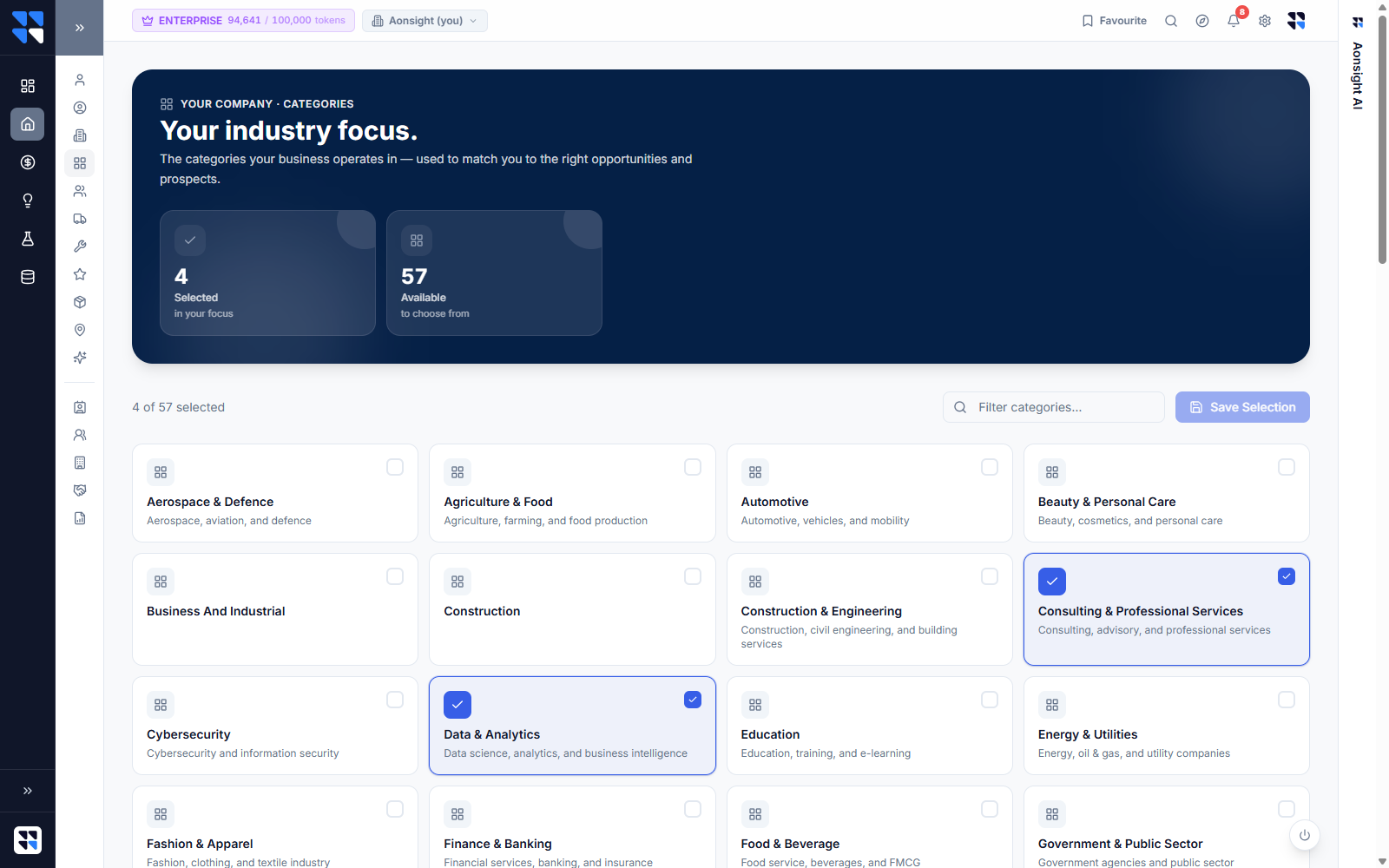
- Tick categories on a grid
- Filter categories by name
- Unsaved changes are flagged
- Selected count in the header
Each part opens its own trail
Category grid
Each card shows a category name and short description, with a tick box to select it.
Filter box
Type a word to narrow the grid to categories whose name or description matches.
Save Selection
Saves the ticked categories as your industry focus and flags unsaved changes until you do.
Selection count
Shows how many categories are selected out of those available.
From a question to a finished result in three steps
Step 1
Tick your categories
Filter the grid and tick each category that matches how your company sells.
Step 2
Check the selection
Aonsight counts the selected categories and marks the change as unsaved.
Step 3
Save the selection
Select Save Selection, and search and reports use the new industry focus.
IN THE APP
Categories
- These are your categories, not the archive browser.
- Save after you change the selection.
- A mismatched category will pull research toward the wrong market.
One question, from first search to final list
Categories set here tell search and reports which market you sit in, alongside your services, brands and locations.
Use Categories in your own market
Open it when research points at the wrong market, and leave with a saved set of categories that matches how you sell.
Categories are the industry focus for your company. Pick the ones that match how you sell. Search and reports use that choice.
What you can do with Categories
- These are your categories, not the archive browser.
- Save after you change the selection.
- A mismatched category will pull research toward the wrong market.
Where to find it
In app.aonsight, open Your Company → Profile.
This sits with Company Profile.
Where to go next
- Company Profile: Where categories are set.
- Search Archive: Search uses those categories.
Questions
What is Categories in Aonsight?
Categories are the industry focus for your company.
Where do I open Categories?
In app.aonsight, open Your Company → Profile.
Related
Pages and posts that share a category or tag.