FEATURE
Locations
Explore countries, regions and cities, then drill into the businesses in each place.
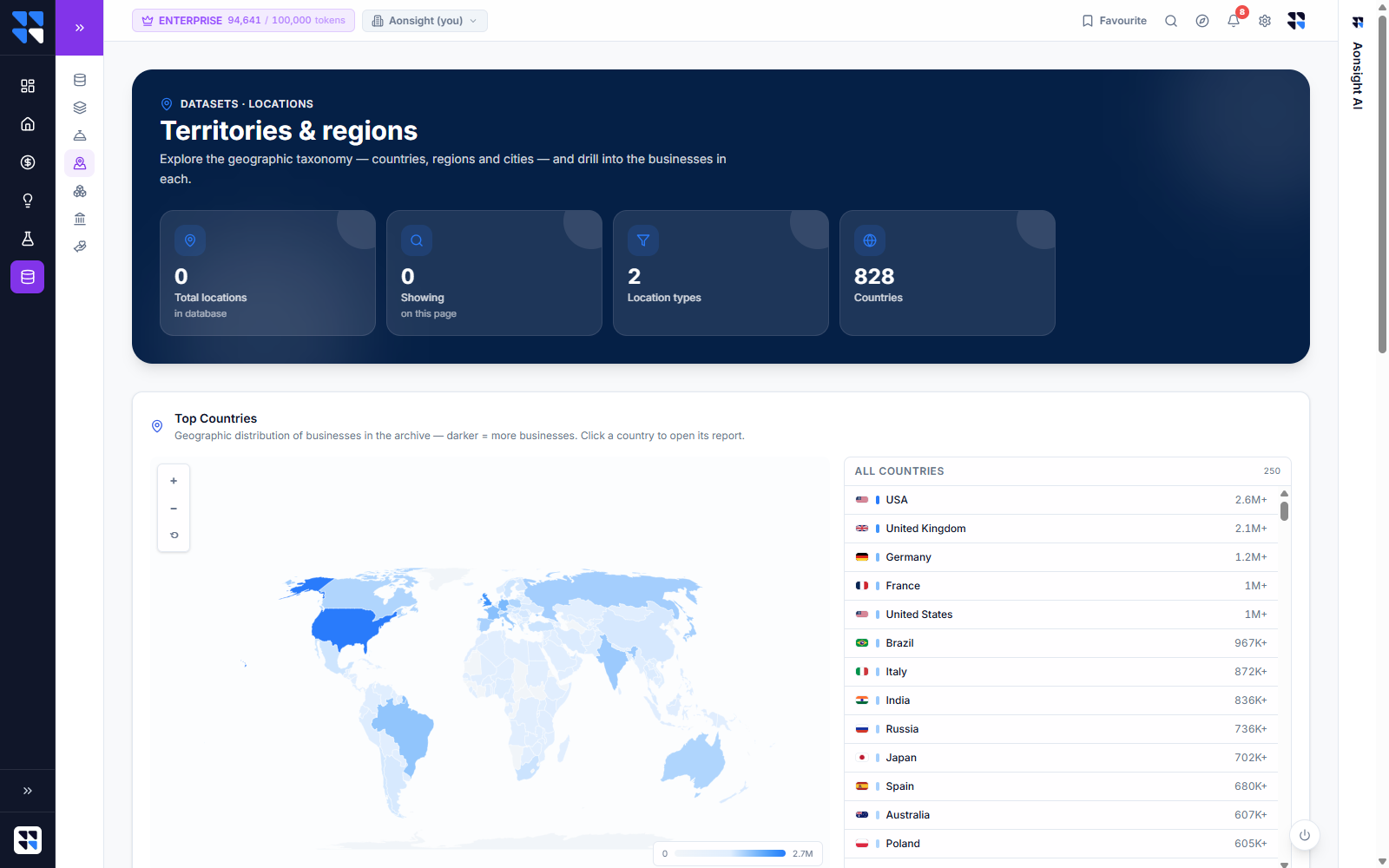
- World map of top countries
- Filter by location type
- Sort by business count
- Open a report for each place
Each part opens its own trail
Top Countries map
A world map shades each country by its number of businesses, and a click opens that country's report.
Location filters
Filter by name, type, country and minimum businesses, and sort by name, type or business count.
Location cards
Each card shows the place, its type and its parent location, with a flag for countries.
Location page
Open a place for its businesses, sub-locations, demographics, economy, services and brands.
From a question to a finished result in three steps
Step 1
Pick a place
Click a country on the map, or filter the grid by type and country to find a region or city.
Step 2
Read the location page
Aonsight returns businesses in that place, with tabs for the map, demographics, economy, services and brands.
Step 3
Narrow in search
Continue in Search Archive with the country applied, or size that market in Market Sizing.
IN THE APP
Locations
- Browse coverage before you build a country or city filter.
- Open a location to see the companies operating there.
- Locations also drive market sizing and your own operating footprint.
One question, from first search to final list
Locations also drive market sizing and your own operating footprint, and each country links on to Search Archive.
Use Locations in your own market
Open Locations when you are planning a territory and leave knowing which countries, regions and cities hold the businesses you want.
Locations is the geographic taxonomy of the archive: countries, regions and cities. Open a place to see the businesses there, then narrow further in Advanced search.
What you can do with Locations
- Browse coverage before you build a country or city filter.
- Open a location to see the companies operating there.
- Locations also drive market sizing and your own operating footprint.
Where to find it
In app.aonsight, open Research → Prospecting.
This sits with Prospecting.
Where to go next
- Market Sizing: Size a country or region.
- Your Locations: Record where you operate.
Questions
What is Locations in Aonsight?
Locations is the geographic taxonomy of the archive: countries, regions and cities.
Where do I open Locations?
In app.aonsight, open Research → Prospecting.
Related
Pages and posts that share a category or tag.