FEATURE
Contact Companies
See every company in the address book (clients, prospects and pipeline targets) and the people who work there.
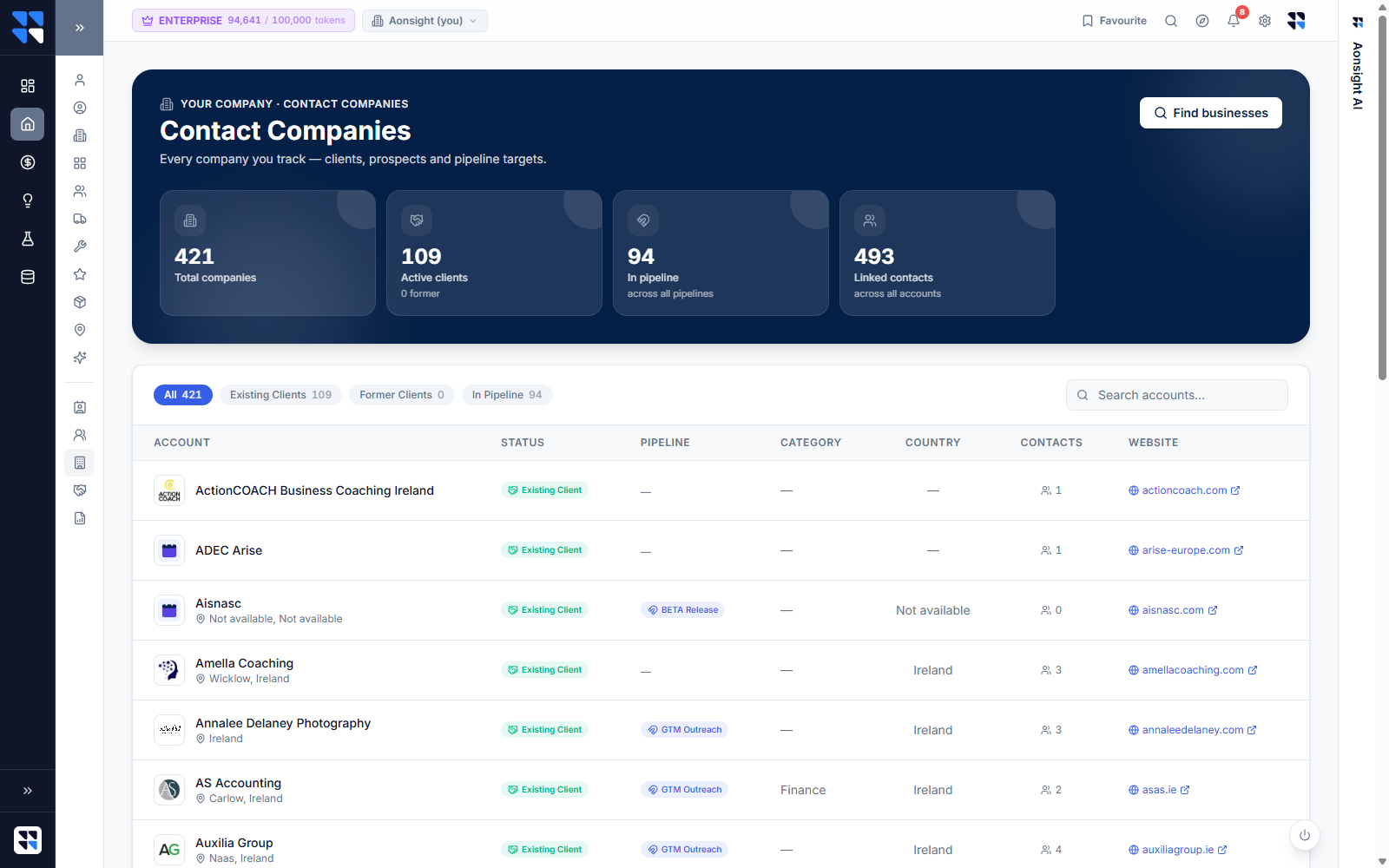
- Clients, prospects and targets
- Filter by client or pipeline
- Linked contact count per company
- Category and country columns
Each part opens its own trail
Company totals
Shows total companies, active clients, companies in a pipeline and linked contacts.
Status filters
Narrows the list to existing clients, former clients or companies in a pipeline.
Company table
Shows status, pipeline, category, country, contact count and website for each company.
Find businesses
Opens Search Archive so you can find a business and add it from its profile.
From a question to a finished result in three steps
Step 1
Filter or search
Choose a status filter or search by company name, domain, city or country.
Step 2
Check your coverage
Aonsight shows each company with its status, pipelines and the number of contacts you hold there.
Step 3
Open the company
Open the business profile to see the full record, then plan outreach or a referral.
IN THE APP
Contact Companies
- A contact company is the firm your people work at.
- Sales Accounts is the CRM view of who you are selling to. This page is the address book.
- Use it to see coverage before you import more people.
One question, from first search to final list
Companies arrive when you link a contact, add a client or move a business into a pipeline, and the same firms appear in Accounts.
Use Contact Companies in your own market
Anyone planning an import or a campaign opens Contact Companies and leaves knowing which firms have contacts and which have gaps.
Contact Companies groups the people in your address book by firm. The list includes clients, prospects and pipeline targets. Open a company to see its contacts, then use it for outreach or referrals.
What you can do with Contact Companies
- A contact company is the firm your people work at.
- Sales Accounts is the CRM view of who you are selling to. This page is the address book.
- Use it to see coverage before you import more people.
Where to find it
In app.aonsight, open Your Company → Contacts.
This sits with Contacts.
Where to go next
Questions
What is Contact Companies in Aonsight?
Contact Companies groups the people in your address book by firm.
Where do I open Contact Companies?
In app.aonsight, open Your Company → Contacts.
Related
Pages and posts that share a category or tag.