FEATURE
Pipeline Prospects
Work early-stage opportunities and move them toward Leads as they qualify.
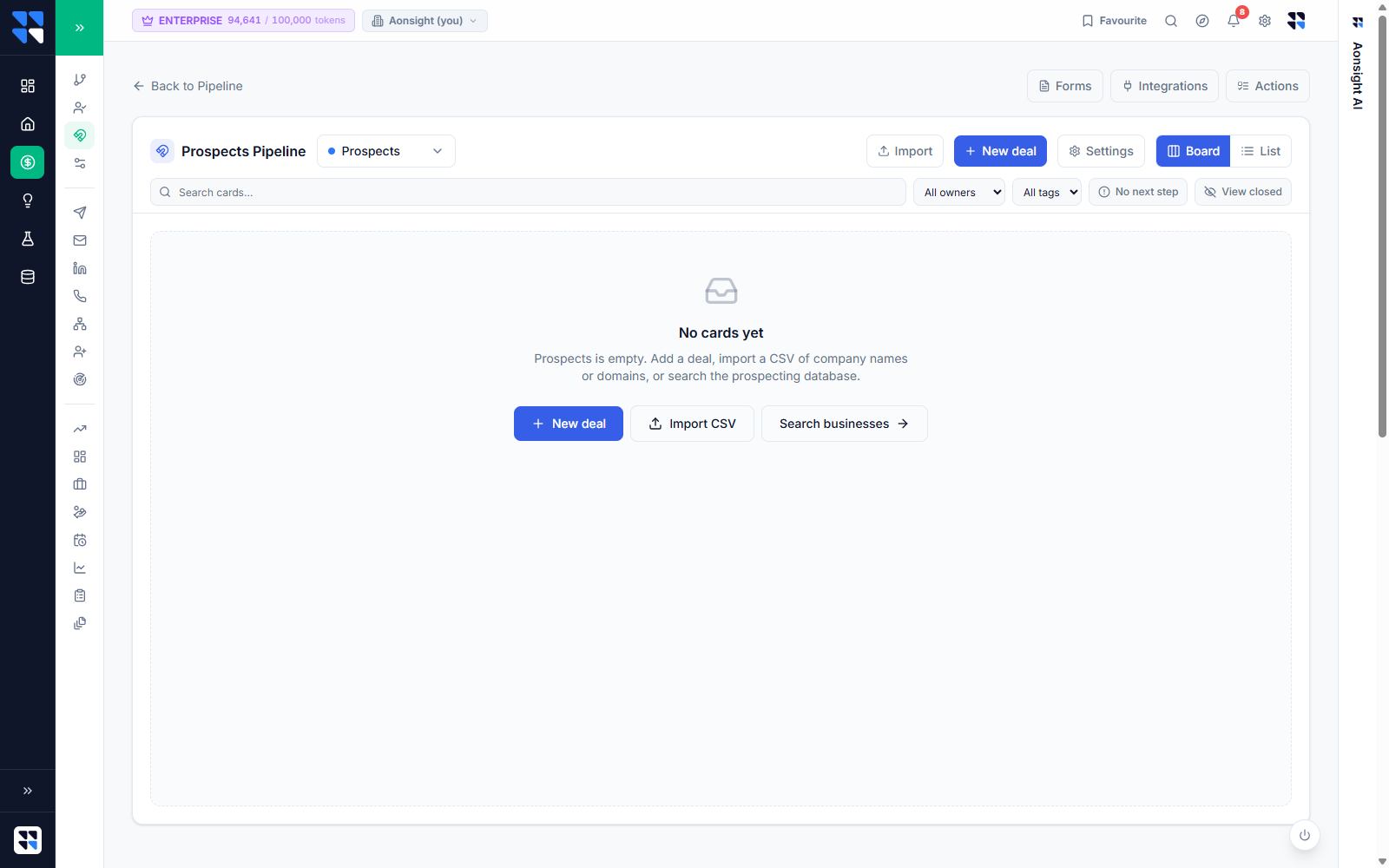
- Add businesses by name or domain
- Free-form cards for early deals
- Next step shown on every card
- Quick view side panel
Each part opens its own trail
New deal
Search for a business by name or domain and add it as a card, or create a free-form card.
Prospect stages
Move cards through New, Researching, Contacted and Engaged to Qualified or Disqualified.
Card side panel
Open a card to set stage, value, probability, owner, expected close, contact details, notes and tags.
Lead capture forms
Build a form, embed it on your website and have each submission land on the board as a new card.
From a question to a finished result in three steps
Step 1
Add early accounts
Add companies from search, import a CSV of company names or domains, or create a card by hand.
Step 2
See which cards need follow-up
Aonsight shows each prospect by stage and marks the cards that have no follow-up scheduled.
Step 3
Qualify or disqualify
Drag the card to Qualified when the account is ready for Leads, or to Disqualified to close it out.
IN THE APP
Pipeline Prospects
- This board is for early conversations, before a lead is qualified.
- Cards come from prospecting, opportunities, or a manual add.
- The same card tools are used on Leads and on custom pipelines.
One question, from first search to final list
Cards come from Search Archive, opportunity lists or a manual add, and qualified prospects carry on to the Leads board.
Use Pipeline Prospects in your own market
Open Pipeline Prospects when you are starting conversations with new accounts, and leave with each one staged and given a next step.
Pipeline Prospects is the first default board. Add companies from search, set value, owner and close date on the card, then move them toward Leads as they qualify.
What you can do with Pipeline Prospects
- This board is for early conversations, before a lead is qualified.
- Cards come from prospecting, opportunities, or a manual add.
- The same card tools are used on Leads and on custom pipelines.
Where to find it
In app.aonsight, open Sales → Pipeline.
This sits with Pipeline.
Where to go next
- Search Archive: Find the next account.
- Leads: Move a prospect when it qualifies.
Questions
What is Pipeline Prospects in Aonsight?
Pipeline Prospects is the first default board.
Where do I open Pipeline Prospects?
In app.aonsight, open Sales → Pipeline.
Related
Pages and posts that share a category or tag.