FEATURE
Competitor Benchmark
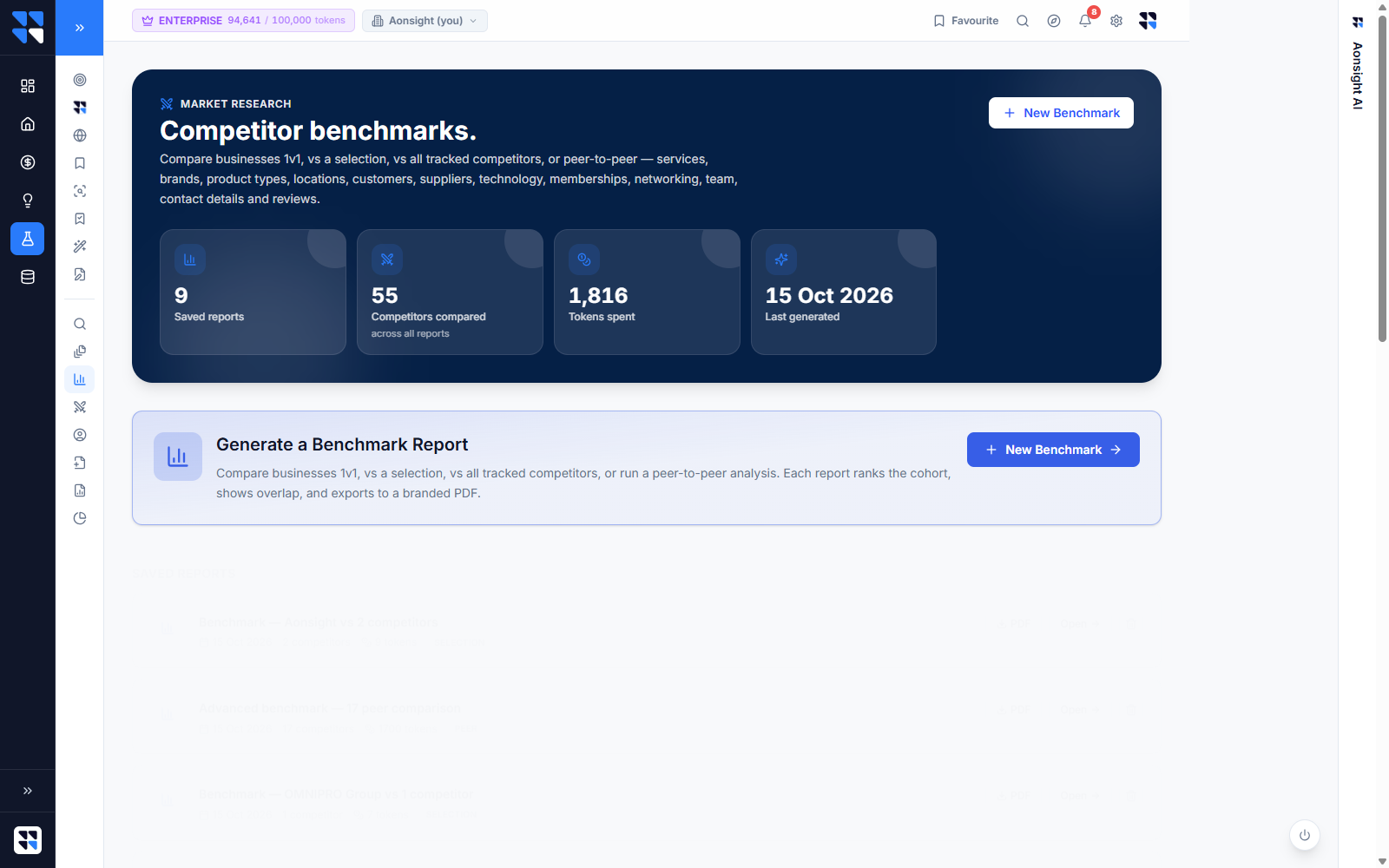
Compare a business one-to-one, against a selection, against every tracked competitor, or peer to peer.
- Four benchmark modes
- Benchmark score ranks each business
- Overlap on services, brands and tech
- Branded PDF export
Each part opens its own trail
Mode picker
Choose head-to-head, a selection, all tracked competitors, or peer-to-peer.
Benchmark score
Every business in the report gets a score and a rank, shown as bars with the leader named.
Overlap and spec table
See shared services, brands, customers and technology, then read every field side by side.
Missing data section
Comparisons without enough data are listed apart, with an option to request enrichment.
From a question to a finished result in three steps
Step 1
Pick a mode and competitors
Choose one of four modes, tick competitors from your tracked list and give the report a name.
Step 2
Let the report generate
Aonsight builds the comparison in the background and shows progress, so you can leave the page.
Step 3
Read, adjust and export
Review scores and overlap, correct your own company's figures if needed, then export the PDF.
IN THE APP
Competitor Benchmark
- Generation runs in the background. Open the report when it is ready.
- The report includes charts, overlap, and a PDF export.
- Comparisons without enough data are kept separate so thin matches are not presented as findings.
One question, from first search to final list
It reads your tracked competitors and organisation profile, and its reports feed Competitive Gaps and Combined Reports.
Use Competitor Benchmark in your own market
Open it before a strategy or positioning review and leave with a ranked comparison of your business and its rivals, ready to export as a PDF.
Competitor Benchmark compares businesses across services, brands, product types, locations, customers, suppliers, technology, memberships, networking, team, contact details and reviews. Run a 1v1, a selection, all tracked competitors, or a peer-to-peer view.
What you can do with Competitor Benchmark
- Generation runs in the background. Open the report when it is ready.
- The report includes charts, overlap, and a PDF export.
- Comparisons without enough data are kept separate so thin matches are not presented as findings.
Where to find it
In app.aonsight, open Research → Market Research.
This sits with Market Research.
Where to go next
- Competitors: The rival list the benchmark reads.
- Competitive Gaps: Where you trail that list.
Questions
What is Competitor Benchmark in Aonsight?
Competitor Benchmark compares businesses across services, brands, product types, locations, customers, suppliers, technology, memberships, networking, team, contact details and reviews.
Where do I open Competitor Benchmark?
In app.aonsight, open Research → Market Research.
Related
Pages and posts that share a category or tag.